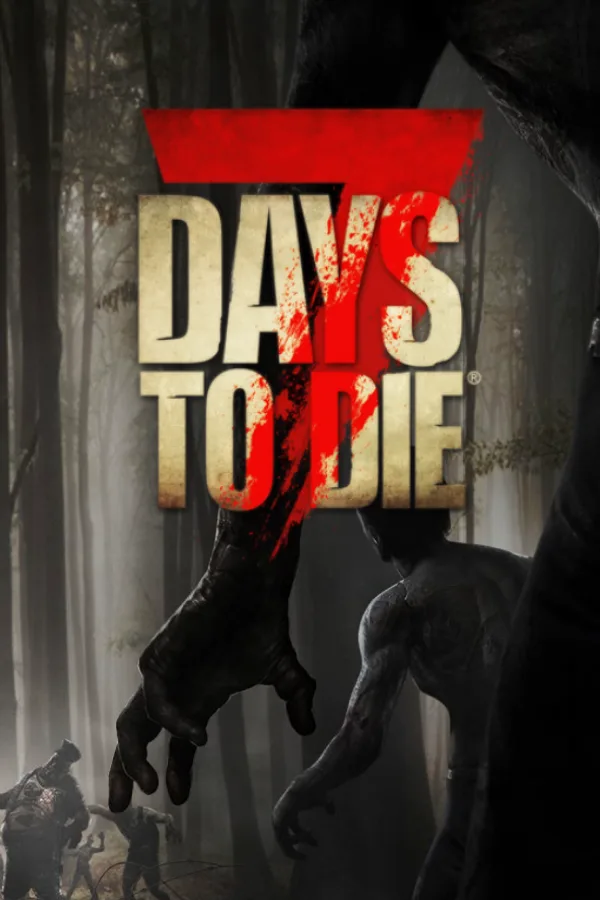
7 Days to Die server hosting
Zombie survival with mod support.
Slots
How many players can join at the same time. More slots cost a little more.
Memory allocation
We mark the size that fits your slots. More memory costs more.
CPU boost
A boost lets your server use more processor power when it is busy.
Additional NVMe storage
Extra room on fast NVMe storage for worlds, maps and backups.
Location
Pick a location close to most of your players.
Extras (optional)
Need something else, like more than 24 GB? Open a support ticket and we will sort it out for you.
Every plan includes
- DDoS protection
- A control panel
- Your choice of location
- Support by ticket
- Automatic backups
- Switches on after payment
About 7 Days to Die hosting
7 Days to Die is a survival game of crafting, base defence and regular zombie attacks. A dedicated server hosts a shared world for your group.
Map size and player count affect memory and CPU use, and a new world can take a while to generate the first time. Our listing mentions mod support, and mods add to resource use.
7 Days to Die hosting questions
Can I run mods?
Our listing says mod support is available. If you want us to check a particular mod first, ask in a support ticket.
How long does a new world take to start?
Generating a new world can take a while the first time the server starts, especially on large maps. How long depends on the game and the map settings.
Which plan should I choose for 7 Days to Die?
We list 7 Days to Die on NVMe Pro, which has 4 vCPU, 8 GB RAM. How much you need also depends on players and mods, so try the price estimator for a rough estimate.
Can I change plans later?
Our features page describes moving to a bigger plan as you grow. To change plans, open a support ticket. See the FAQ for more.